
Share event photos to Instagram in one tap.
 maya.lrntYour story
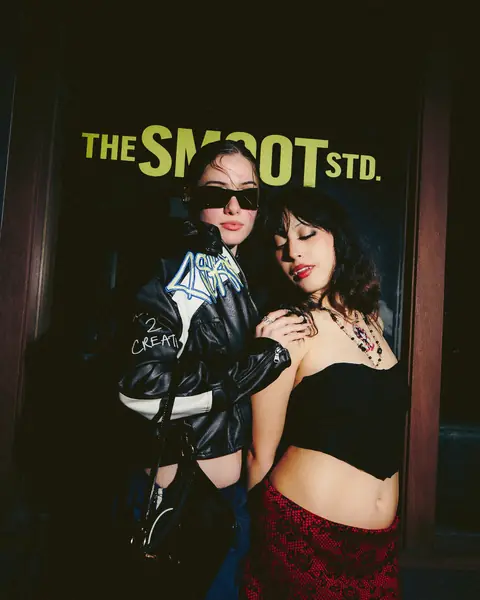
The photo, and everything around it.
 @margot the couch one is going on my wall
Post it as a story, a post or a square.
Indie Sleaze NightSat Oct 10
Indie Sleaze NightSat Oct 10
Each one is framed for you, so there's nothing to crop.
Questions
Any shot from the event can become a print with the event's name, the date and who shot it, ready for Instagram. One tap, no editing.
The shots come from the event's shared gallery. Share your own, or any shot you like from the roll. No screenshots, no cropping. One shot, or a set from the scrapbook, from an event or a trip.
Organizers too. Any shot from your event's gallery becomes a card to post, so guests and your team can promote the next event in seconds.
Do I need to screenshot or crop anything?
No. PXI frames the shot for you, captions it with the event or trip name and hands it straight to Instagram. One tap, no editing.
Does it work for organizers promoting an event?
Yes. Any shot from your event's shared gallery becomes a ready-to-post card, so attendees and your team can promote the next one.
Can I share a single photo or the whole scrapbook?
Either. Share one framed shot, or post a set from the event scrapbook.
Where do the photos come from?
From the live shared gallery. Every attendee shoots into one thread during the event, and the scrapbook compiles automatically the next morning.
Get every photo from your next event.
PXI is free to download.