
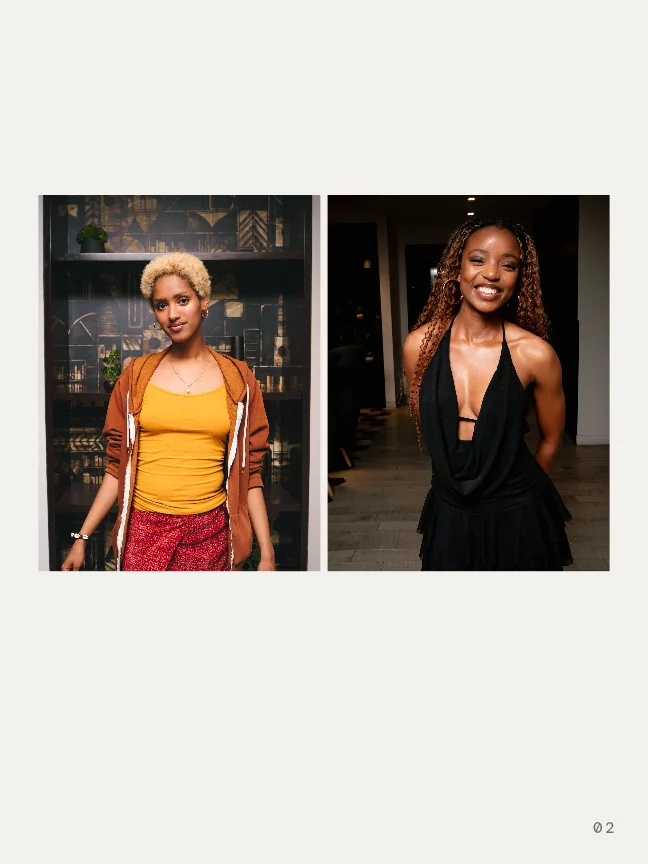
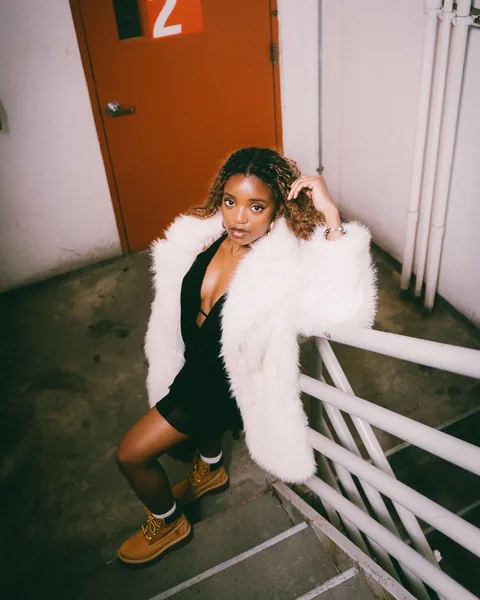
Your guests shoot your event photo recap for you.
Your guests take the photos and their reactions rank them. The next morning, you pick your favorites and send them.






Your wall is your new Instagram grid.
Every event you throw lands on your wall as its poster, next to your profile. Scroll back through the years.
On PXI, your next poster comes with proof.
The best photos from your last event ride on your next poster, so people can trust you before they go.
 1❤️ 302
 2❤️ 244
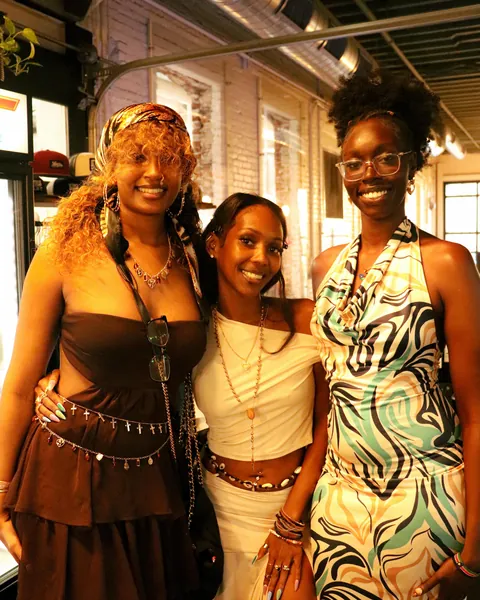 3❤️ 187
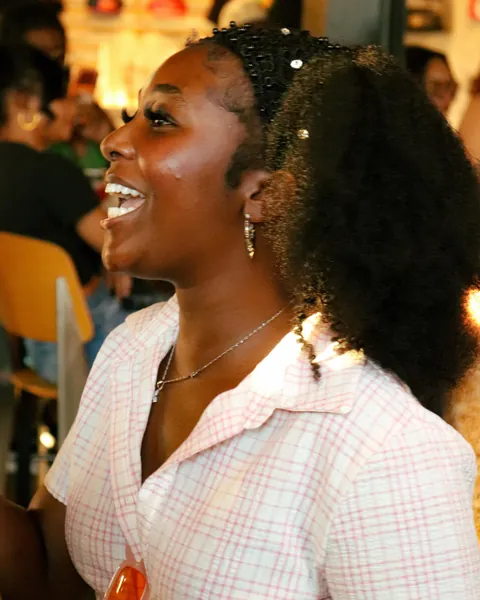 4❤️ 120
 5❤️ 88
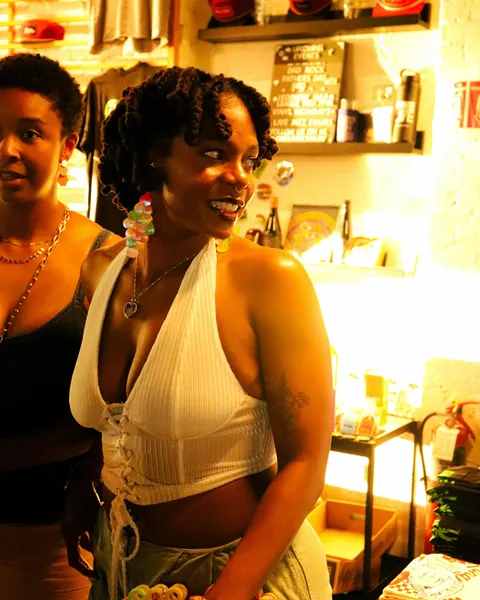 6❤️ 61
Juneteenth CookoutThe room's favorites, ranked by reactions
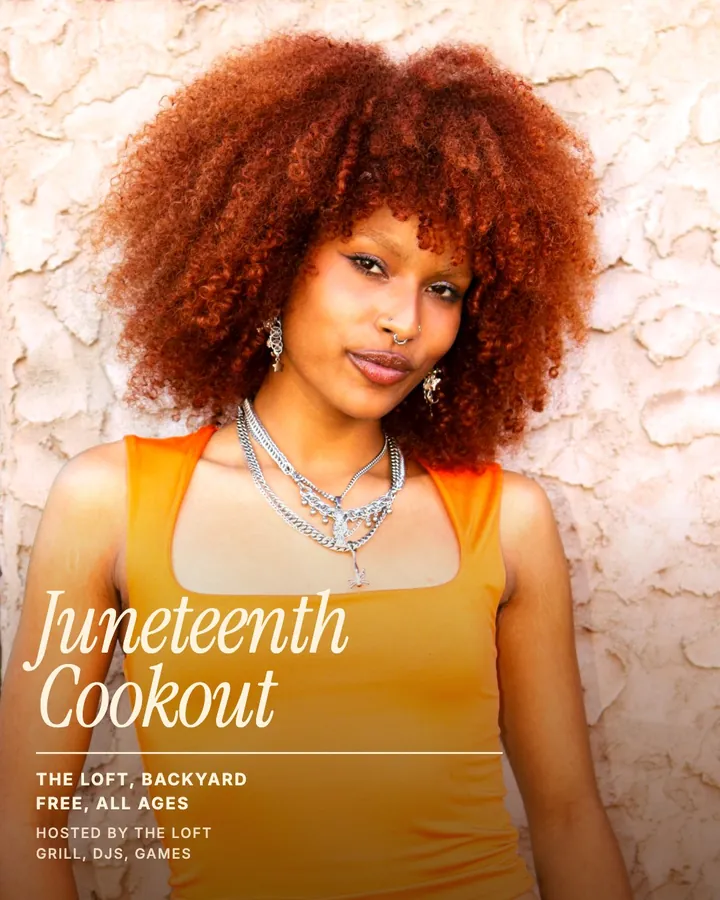
On PXIThe next Juneteenth Cookout, with the proof on its record
ElsewhereThe same poster, flat
Post it anywhere.
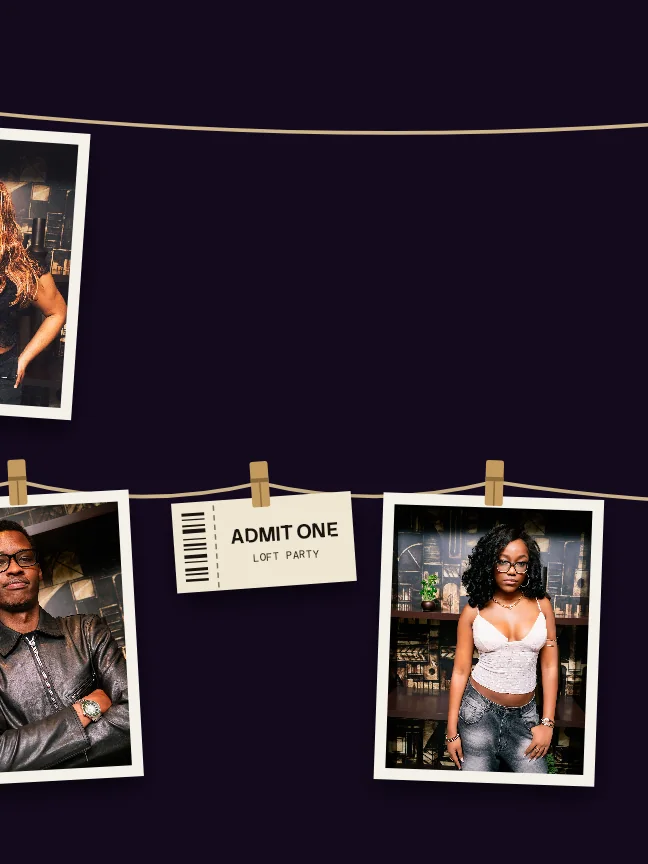
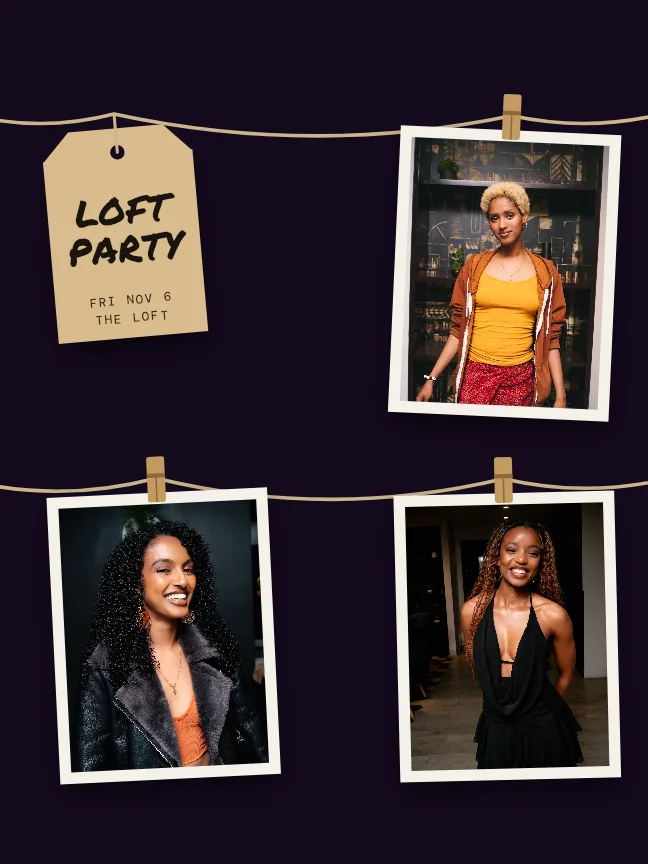
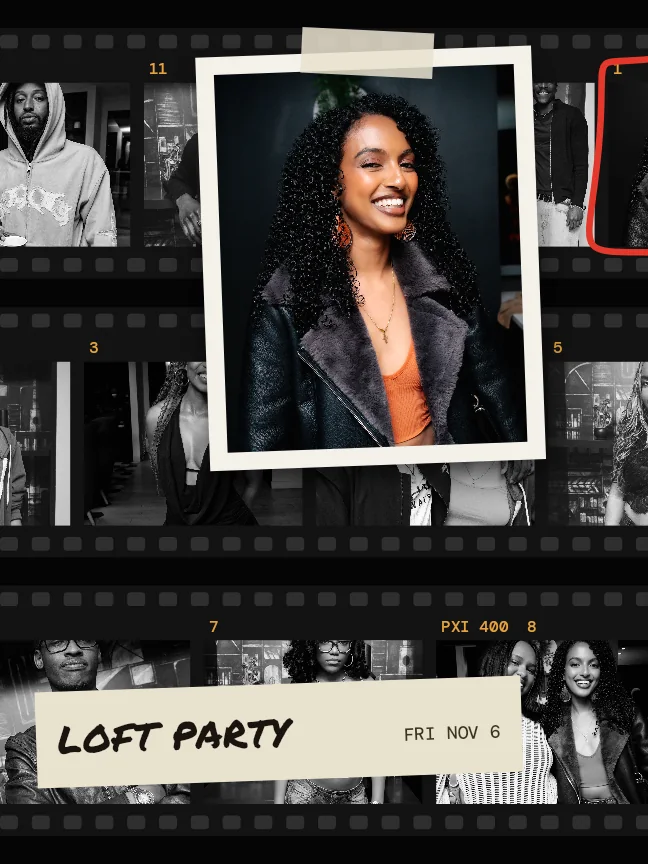
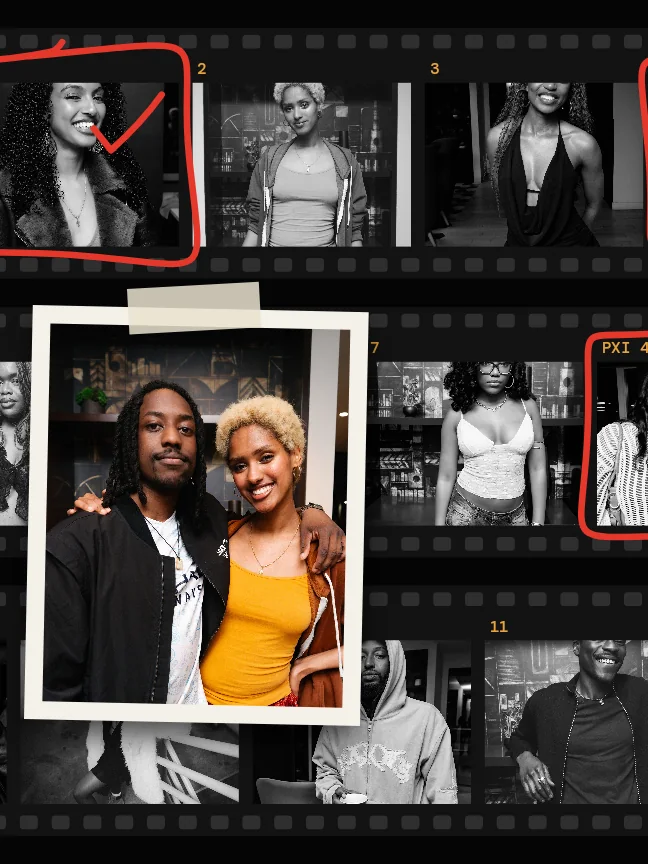
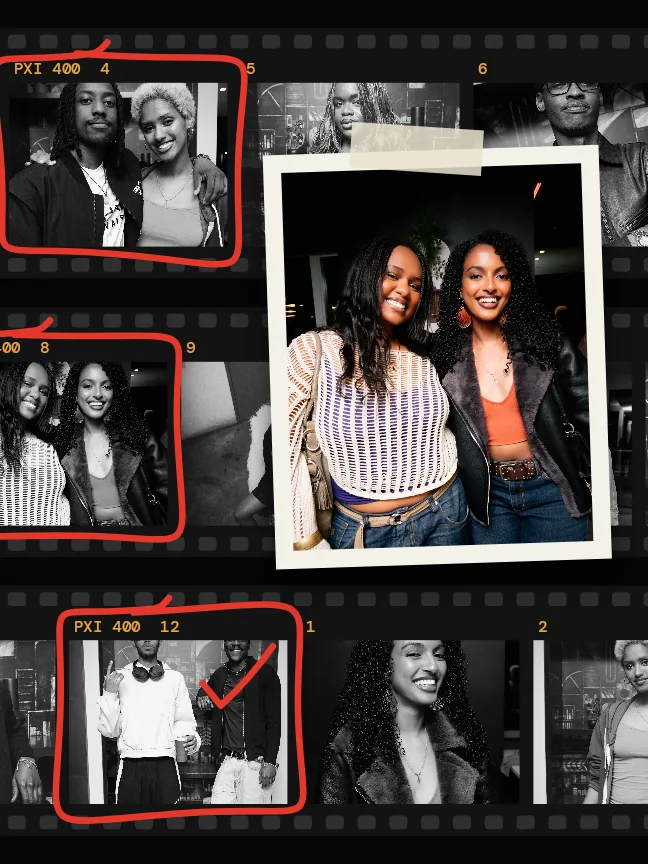
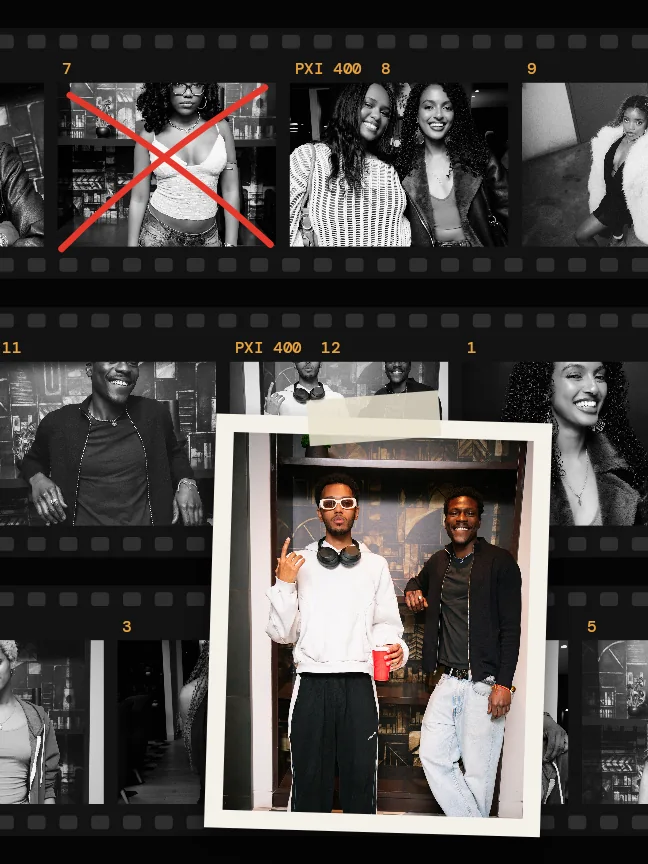
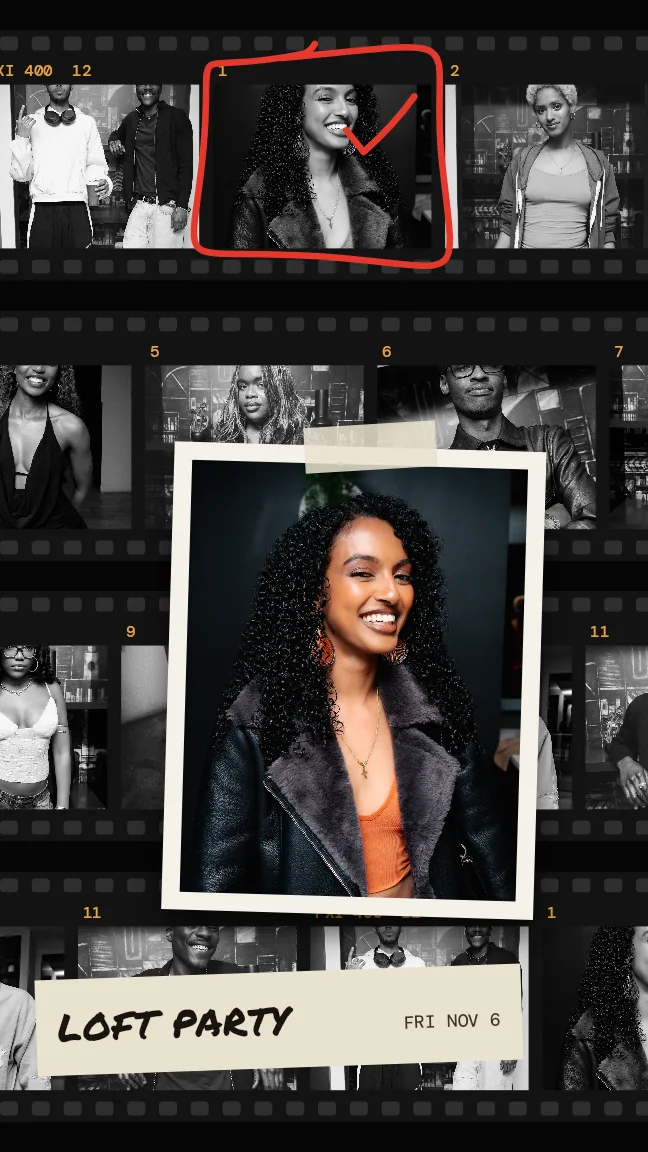
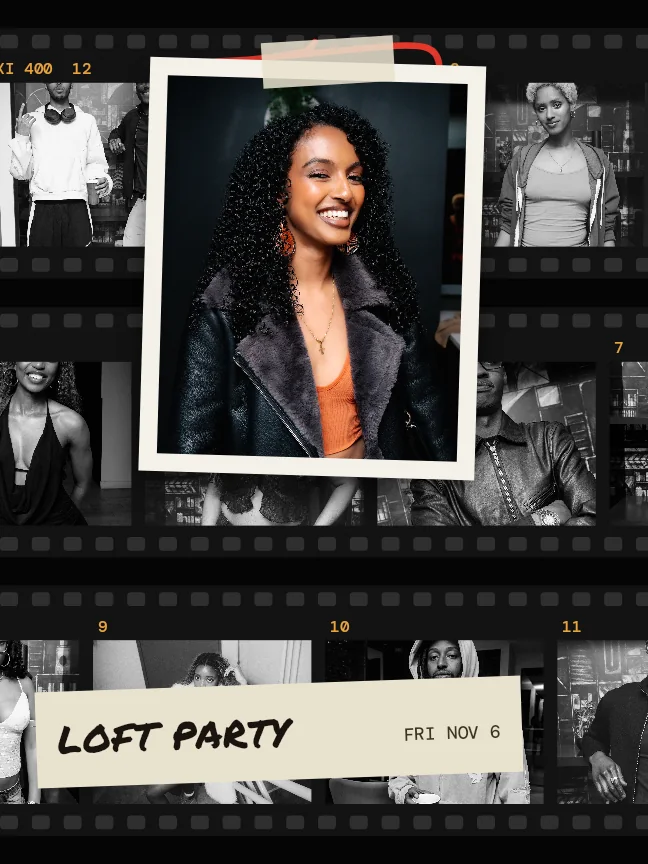
Pick a look and a format. The photos lay themselves out as a carousel, a story or a post.




















Questions
Your guests shoot the event into one shared album. Every photo is ranked by how much the room reacted, so the best ones are on top by morning.
You or a co-host pick five to seven and send them, at the morning hour or right now. The web kit gives you the originals and a caption. The app's Darkroom lays the event out as a carousel, a story or a video. Every event lands on your wall, and its best shots ride on your next event's record in Discover. Recaps are for public events, and guests are told when they join.
How do I get photos to promote my event?
Your guests shoot the event into a shared album and their reactions rank it. In the morning you pick five to seven and send them, at the morning hour or right now.
How are the photos chosen?
The room votes with reactions. The most loved shots sit on top, and you pick from there.
What do I get?
On the web, the originals and a caption to download. In the app, Darkroom lays the event out as a carousel, a story or a video.
Does the recap work for private events?
No. Recaps are for public events only.
Do guests know their photos may be used?
Yes. Guests are told when they join.
Run your next event on PXI.
It's free to host. You pay $0.99 a paid ticket, out of the payout.